
FANUC VMC Advanced Control Suite
Advanced CNC simulation, macro programming and training in one dedicated Windows desktop application. Work with an interactive VMC controller, built-in learning content, practical examples and an integrated package library designed for serious CNC programming practice and workflow development.
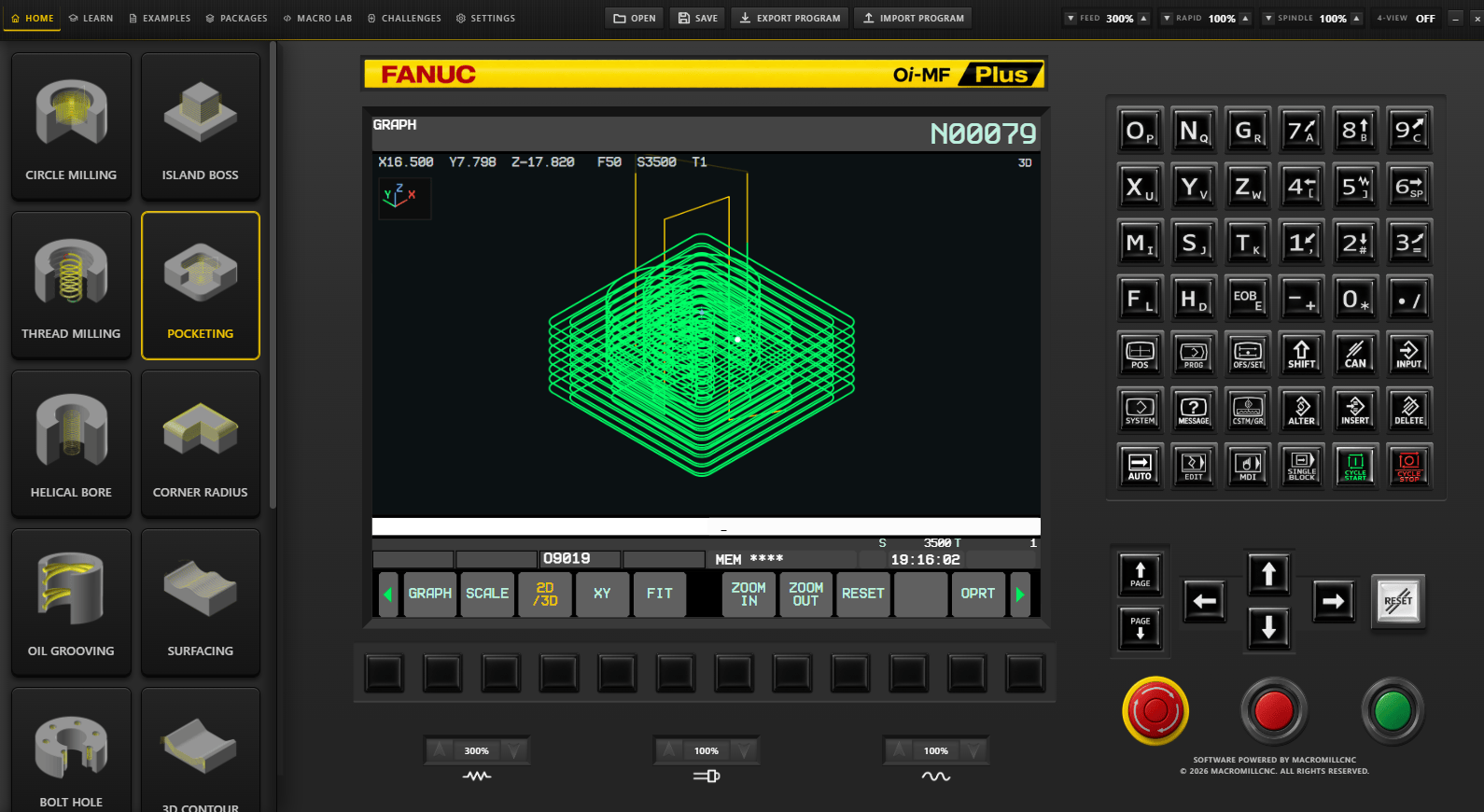
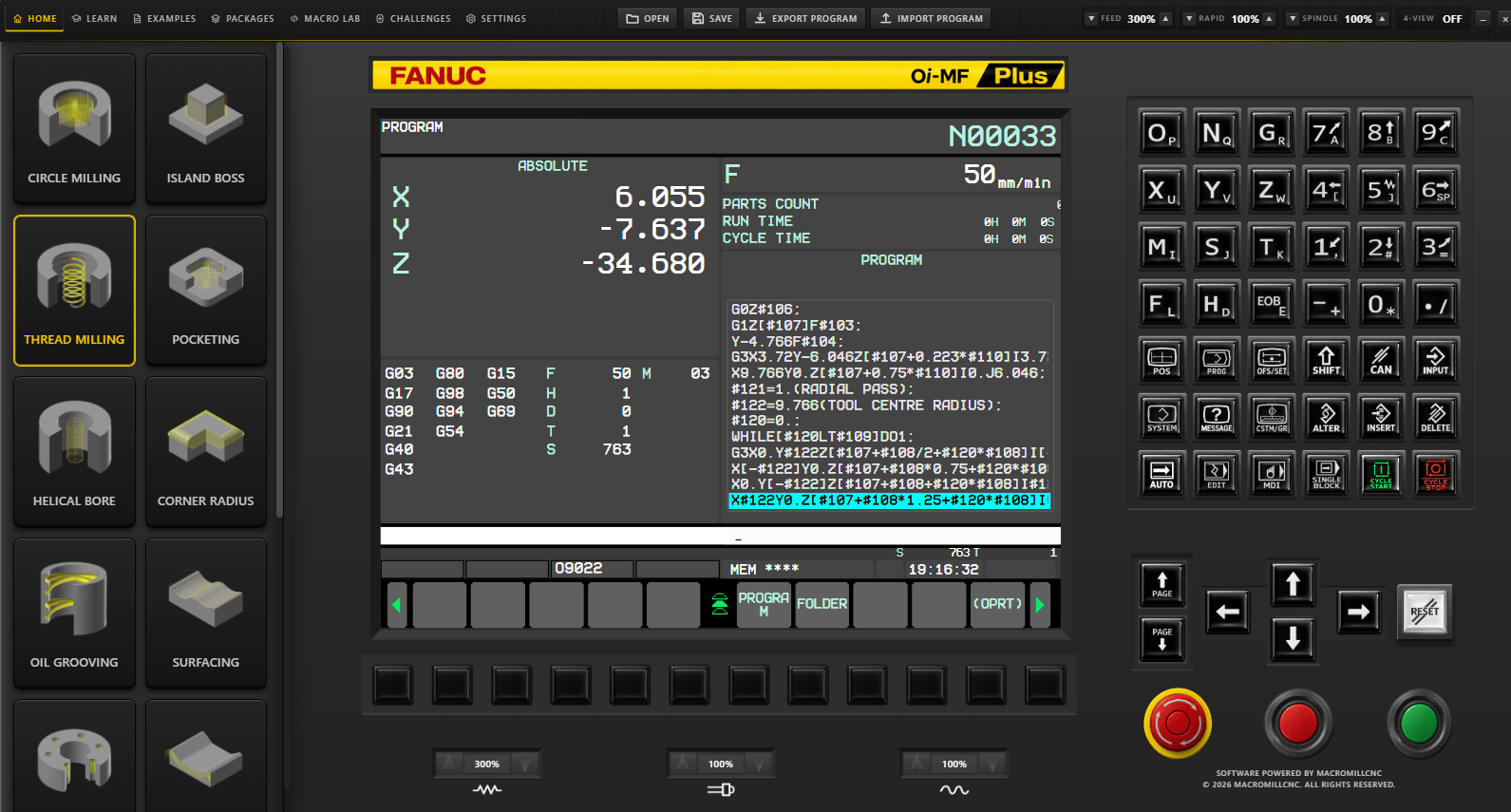
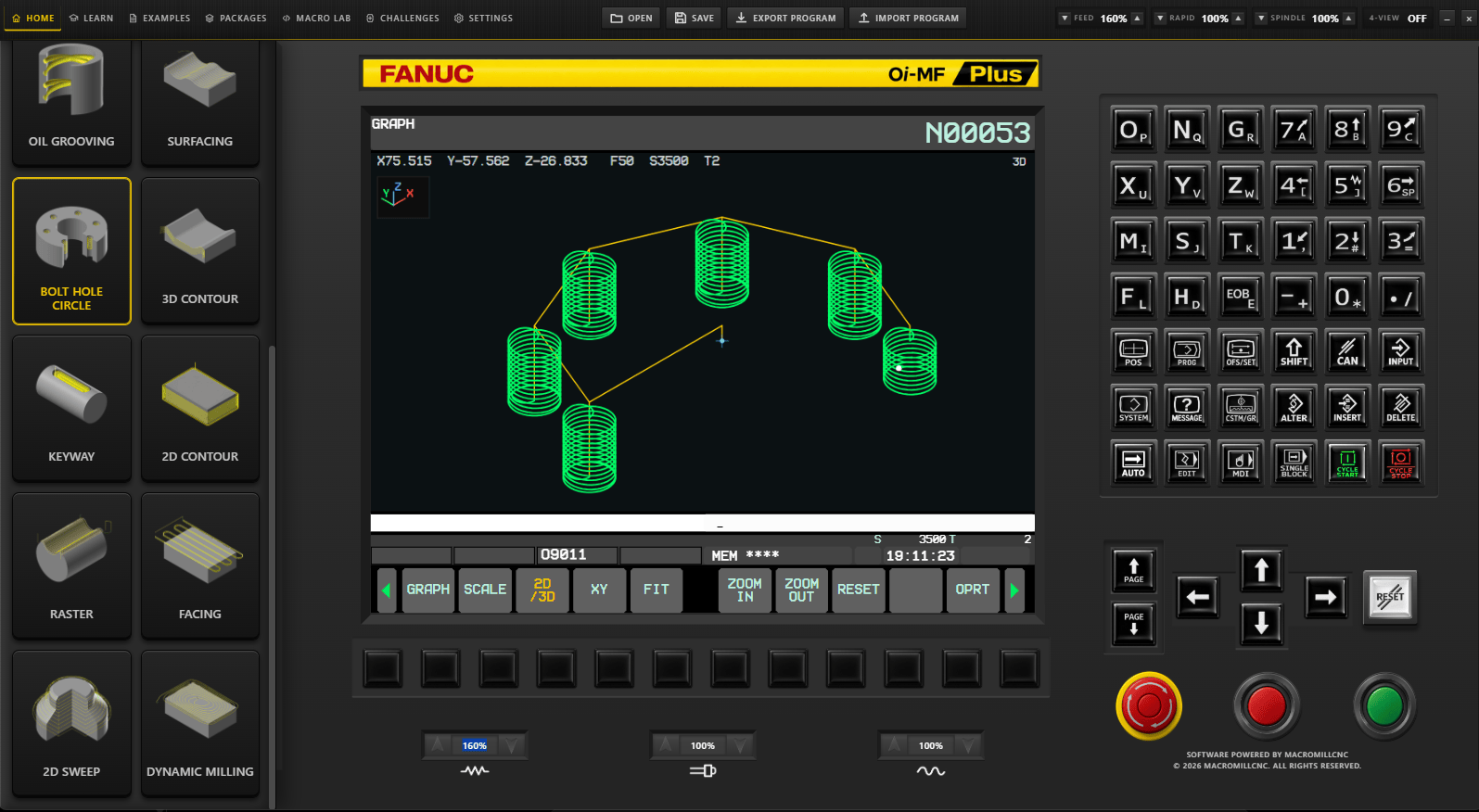
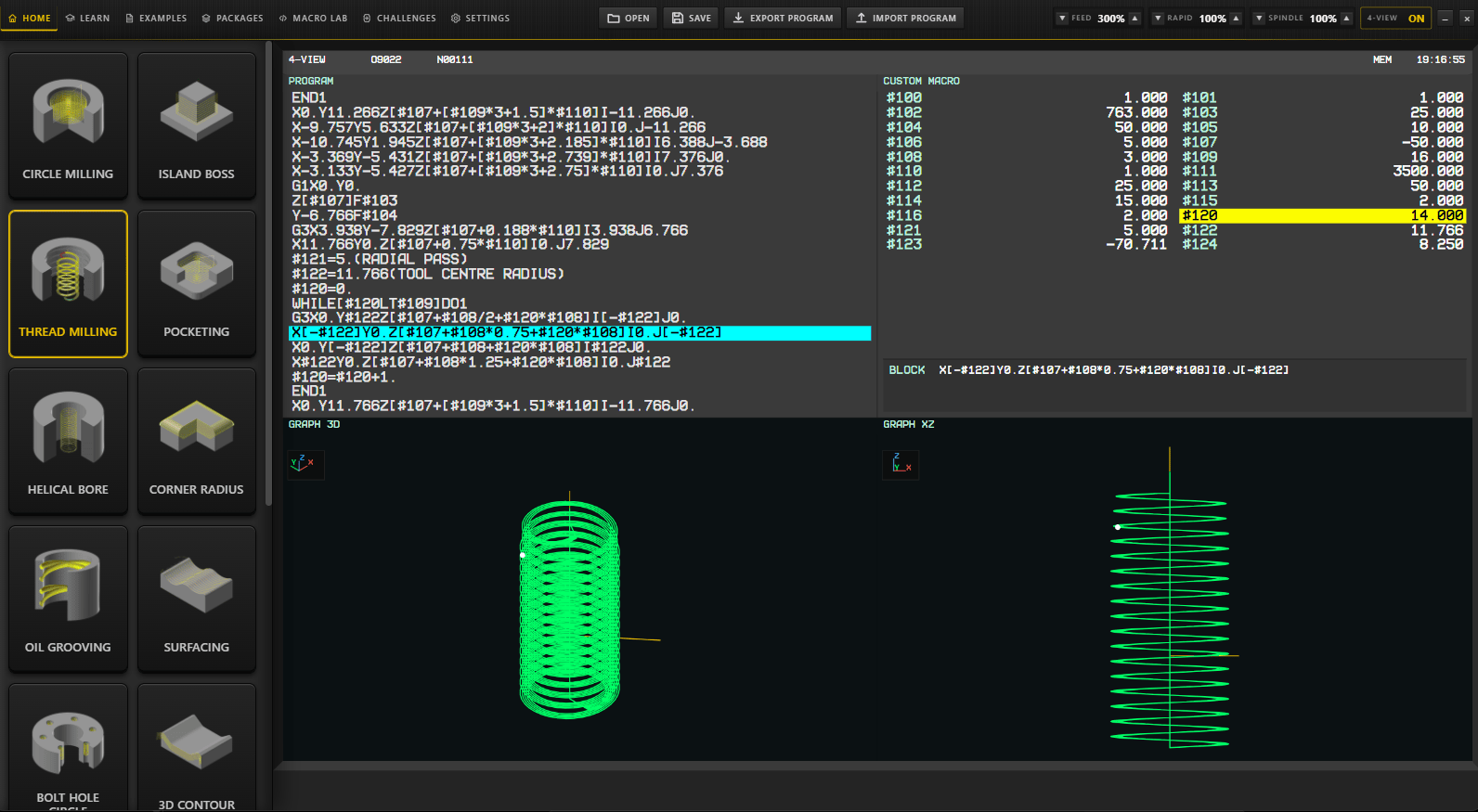
Built for CNC programmers, machinists, operators, students and training environments. Purchase once, activate with your unique licence key and use the software on up to two devices.
VIEW PRODUCT →CNC automation software, macro programming and practical training.
MacroMill CNC brings together CNC automation software, simulators, G-code generators, reusable macro programming, controller-ready machining cycles and practical training in one focused CNC ecosystem.
New to MacroMill CNC? Start with CNC Automation Pro for the complete platform, or use Free CNC Resources to try selected public tools and generators.

One platform for CNC software, simulators, macro programming and training.
Access CNC simulators, G-code generators, machining apps, macro programming resources and structured training across supported devices — all inside CNC Automation Pro.
More than a course. More than a single CNC app.
CNC Automation Pro combines practical software and learning resources so members can move from understanding the logic to generating, visualizing and applying CNC programming workflows.

CNC simulators, G-code generators and machining apps across your devices.
MacroMill CNC software apps support practical programming, simulation and machining workflows across supported desktop, tablet and mobile devices. The software-app collection is included with CNC Automation Pro membership. MacroFusion™ is a separate standalone Windows product.
Explore CNC Software AppsConvert repetitive CAM-generated G-code into compact, reusable CNC macro logic.
MacroFusion™ analyzes suitable repetitive CAM-generated G-code and helps convert recognized machining patterns into compact, variable-driven CNC macro logic. The short demo above shows the core idea: reduce repetitive coordinate output into reusable logic that is easier to inspect and adapt.
Start with the complete platform, or choose the specialist product you need.
CNC Automation Pro is the recommended starting point for the complete MacroMill CNC ecosystem. MacroFusion™ remains a separate standalone Windows product, while individual CNC macro-cycle packages are available for focused machining requirements.
CNC Automation Pro
One membership platform combining CNC software apps, simulators, G-code generators, macro programming training, reusable machining resources and technical reference material.
MacroFusion™
Analyze suitable repetitive CAM-generated G-code and convert recognized patterns into compact, variable-driven CNC macro logic that is easier to inspect, adjust and reuse.
CNC Macro Cycle Library
Browse reusable CNC machining-cycle packages with editable programs, controller-specific versions, parameter mapping and setup guidance for focused production requirements.
Training, technical reference material and free CNC tools.
Go deeper with structured CNC automation training and technical reference material, or start with selected public generators, visualizers and CNC programming tools.
CNC Automation Training
Learn macro programming and CNC automation through structured practical training.
MacroMill CNC Books
Technical CNC, macro programming and automation reference material for machinists and programmers.
Free CNC Resources
Try selected CNC generators, visualizers, calculators and programming tools before choosing a paid path.
CNC automation questions.
Quick answers about CNC Automation Pro, MacroFusion™, controller support, CNC macro cycles and safe use of generated CNC code.
What is CNC Automation Pro?
CNC Automation Pro is the complete MacroMill CNC platform combining CNC automation software, macro programming training, CNC macro cycles, machining tools and technical resources.
What does MacroFusion™ do?
MacroFusion™ is a standalone CNC macro automation product designed to help analyze suitable repetitive CAM-generated G-code and transform recognized patterns into reusable macro-based programming logic.
Is MacroFusion™ part of the CNC Software Suite?
No. MacroFusion™ is a separate standalone product. The MacroMill CNC Software Suite is a different collection of CNC simulators, G-code generators and machining applications. These software apps are included with CNC Automation Pro membership, while MacroFusion™ is sold separately.
Does MacroFusion™ convert every CNC program?
No. Conversion depends on the source program and whether it contains a supported, suitable repetitive pattern. Professional review remains essential.
Which CNC controls are supported?
MacroMill CNC resources cover major control families including Fanuc, Siemens, Haas, Mitsubishi, Mazak, Okuma, Heidenhain, GSK and Fagor. Compatibility varies by machine configuration and enabled macro features.
What is included with a CNC Macro Cycle package?
Packages can include editable programs, controller-specific versions, parameter mapping and dedicated user guides. Check the individual package page for exact contents.
Can generated CNC code run directly on a machine?
Generated code must be reviewed by a qualified programmer and validated with appropriate simulation, machine-limit checks, single-block operation and a controlled dry run before production use.
Ready to explore the complete MacroMill CNC platform?
Choose CNC Automation Pro for the complete software, simulators, G-code generators, training and automation ecosystem, or start with selected public tools in the Free CNC Resources area.